Use the keyboard and compact palette
Open diels-alder.vsk. This exercise covers the shell’s keyboard navigation and the alternate compact drawing palette. The full canvas engine also has its own tools and shortcuts.
Press Tab from the start of the page. The Skip to properties and inputs link moves focus past the canvas into the side panel.
Use Tab and Shift+Tab between shell controls. Focus has a visible outline. Species labels, multiplicity, program options and checkboxes have accessible names. Updating a geometry or calculation should retain panel focus.
Focus Export ▾. Enter, Space or Down opens the menu; Up opens at its last item. Use Up/Down, Home/End, and Enter/Space to choose an export.
Press Escape to close the menu and return focus to its button. Tab closes it and moves onwards. Try the same navigation with Import ▾.
Use Ctrl/Cmd+S to save and Ctrl/Cmd+Shift+L to clean the drawing. In the desktop app, Ctrl/Cmd+Shift+S invokes Save As.
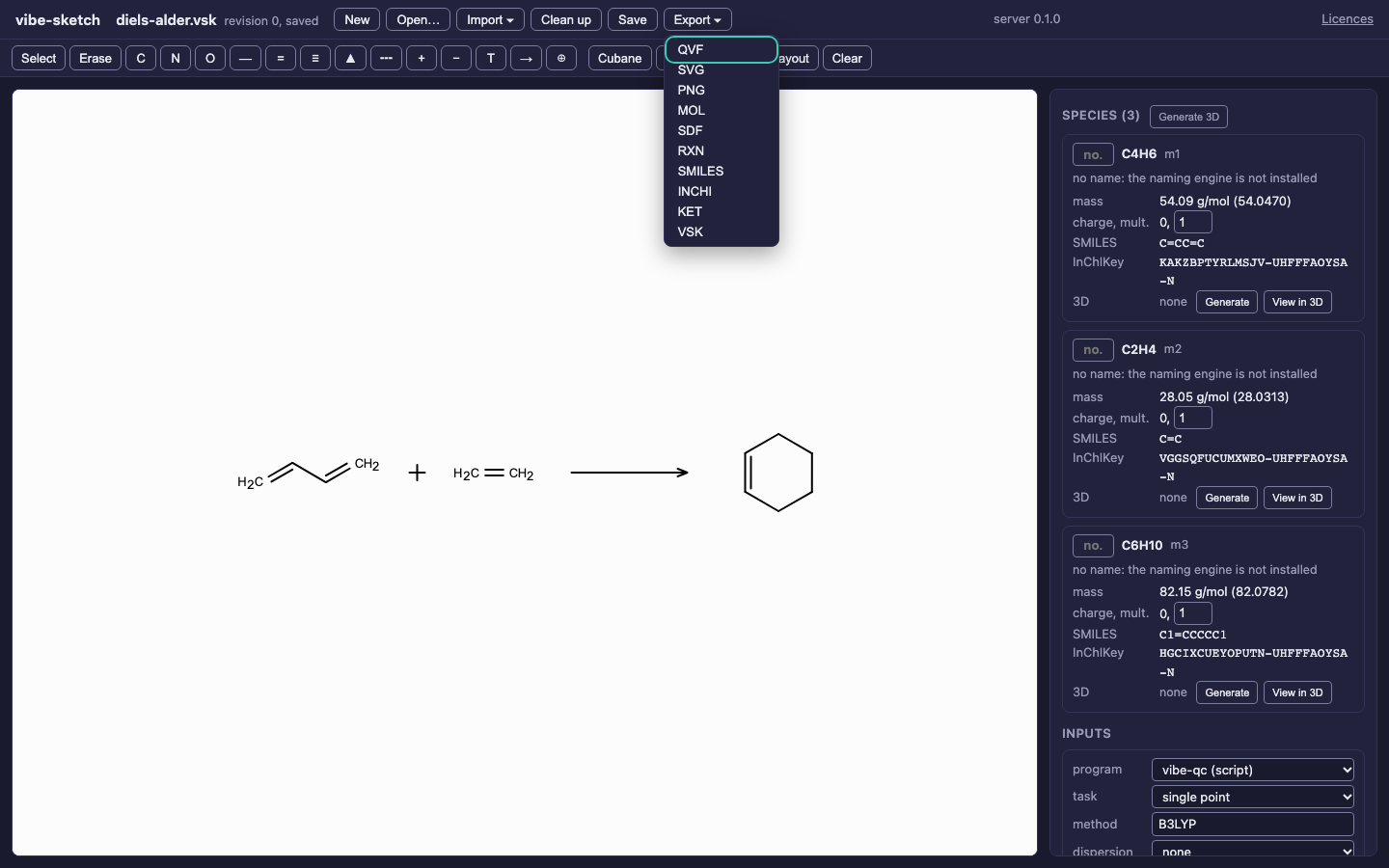
The capture opens this menu with ArrowDown and checks that Escape restores focus to the Export button.
Switch to the compact palette
In the browser address, append &palette=compact when ?doc=... is already
present, or use ?palette=compact before opening a document. This displays
vibe-sketch’s smaller palette instead of the full canvas palettes.
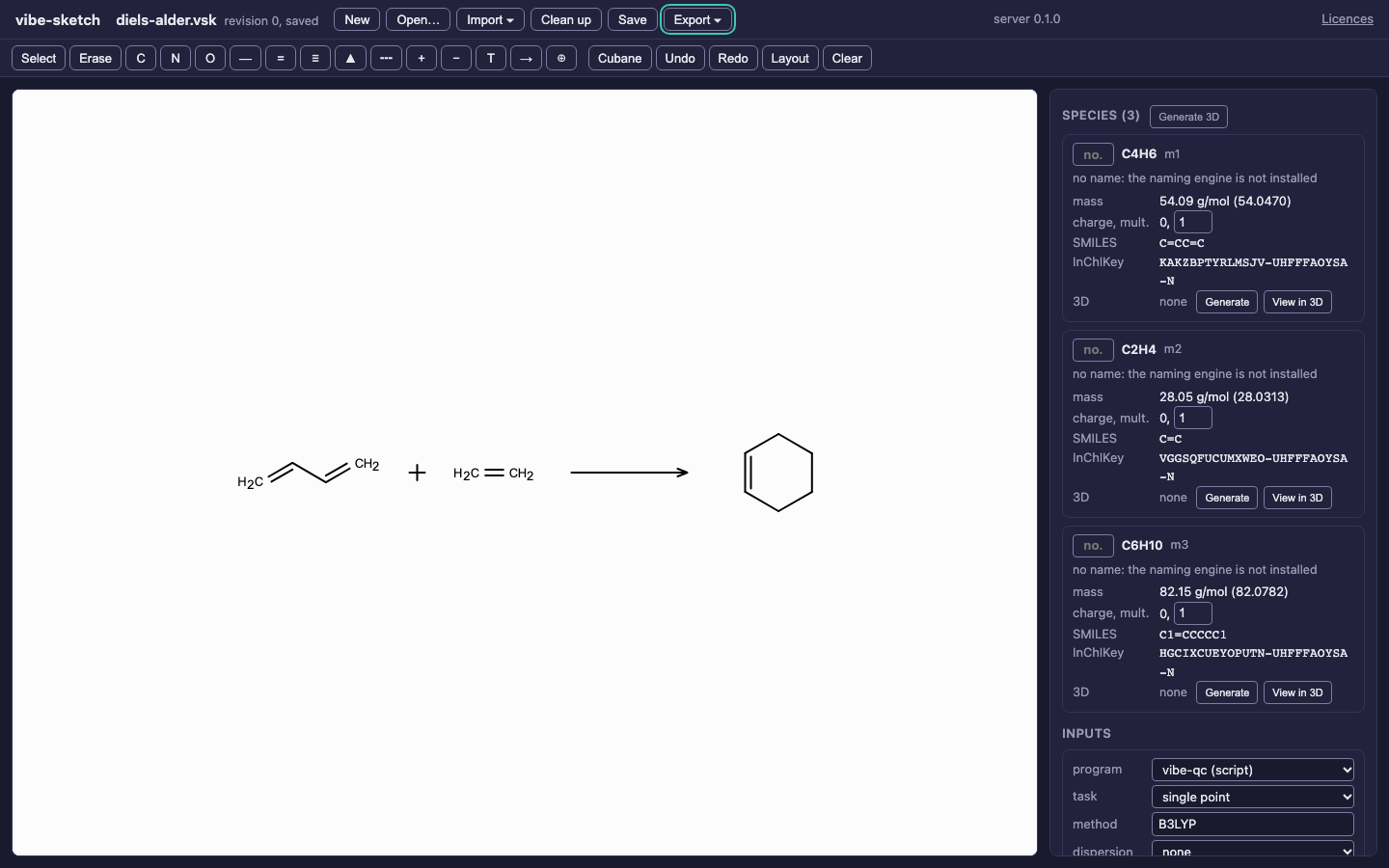
The same chemical document through the smaller toolbar. This does not change its chemistry or file format.
Tab moves between the Drawing tools and Edit groups. Arrow keys move within a group; Home/End select its first/last control, and Enter/Space activates it. Remove the query parameter to return to the full palettes, including rings, chains, functional groups, periodic table and mechanism arrows.
The app fits a drawing when a previously hidden canvas first becomes visible. After that, choose your zoom; resizing should preserve it. For large schemes, check both the full-size figure and the panel rather than reducing everything to unreadable text. See the drawing guide and desktop workflow for file dialogs and native menus.