Reproducing an example output
You’ll learn: how to rerun one of the example inputs, inspect the
.out log and .system manifest it generates, and compare two local
runs without committing ad hoc generated artifacts beside the source
inputs.
Why: the .out file tells you the numerical result, while the
.system manifest tells you which vibe-qc build, Python, linked
libraries, CPU, thread count, and wall time produced it. Together they
are the provenance record you need for release-paper work.
Prerequisites: vibe-qc installed and a project directory outside the checkout.
Run Outside The Repo
Copy the input into a scratch run directory:
mkdir -p ~/vibeqc-runs/h2o-rhf/molecular
cp ~/path/to/vibe-qc/examples/h2o.xyz \
   ~/vibeqc-runs/h2o-rhf/
cp ~/path/to/vibe-qc/examples/molecular/input-h2o-rhf.py \
   ~/vibeqc-runs/h2o-rhf/molecular/
cd ~/vibeqc-runs/h2o-rhf/molecular
~/path/to/vibe-qc/.venv/bin/python input-h2o-rhf.py
The coordinate file remains one directory above the script, matching the
canonical examples/ layout that the input resolves at runtime.
The script writes files such as:
output-h2o-rhf.out
output-h2o-rhf.system
output-h2o-rhf.molden
output-h2o-rhf.xyz
output-h2o-rhf.bibtex
output-h2o-rhf.references
These are generated artifacts. Keep new exploratory runs with the
manuscript or SI material that cites the calculation; do not commit them
back beside the source input under examples/.
Download Reference Bundles
The documentation carries a queue-regenerated H2O RHF reference bundle:
stdout.txtandstderr.txt
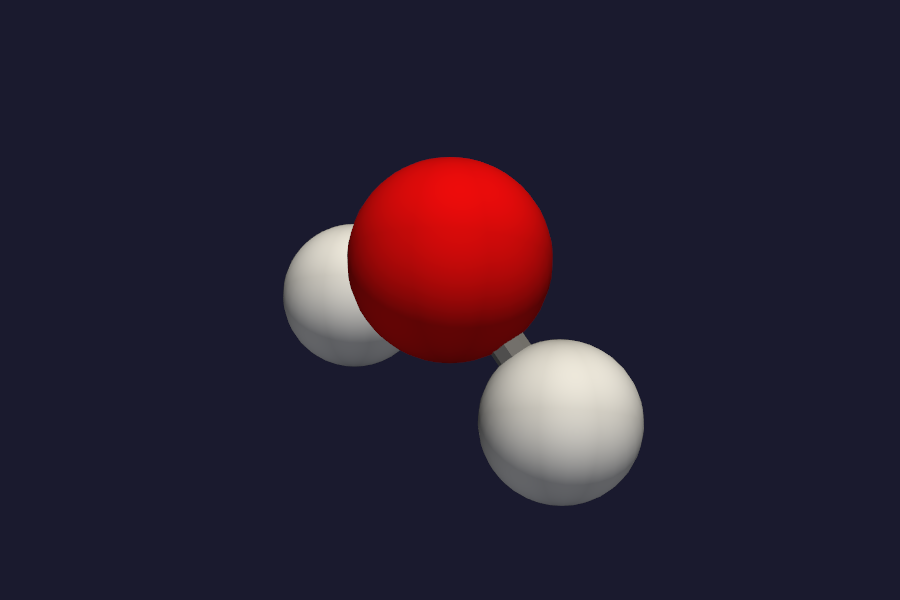
The bundle status is recorded in
artifact-status.json,
and the vibe-view capture status is recorded in
screenshot-status.json.
The full static catalog is listed in
Example scripts and generated outputs. It includes
the curated chi-CCM-B periodic QVF validation bundle with two inputs, full
.out logs, sanitized .system manifests, validated QVF archives, and
headless vibe-view captures:
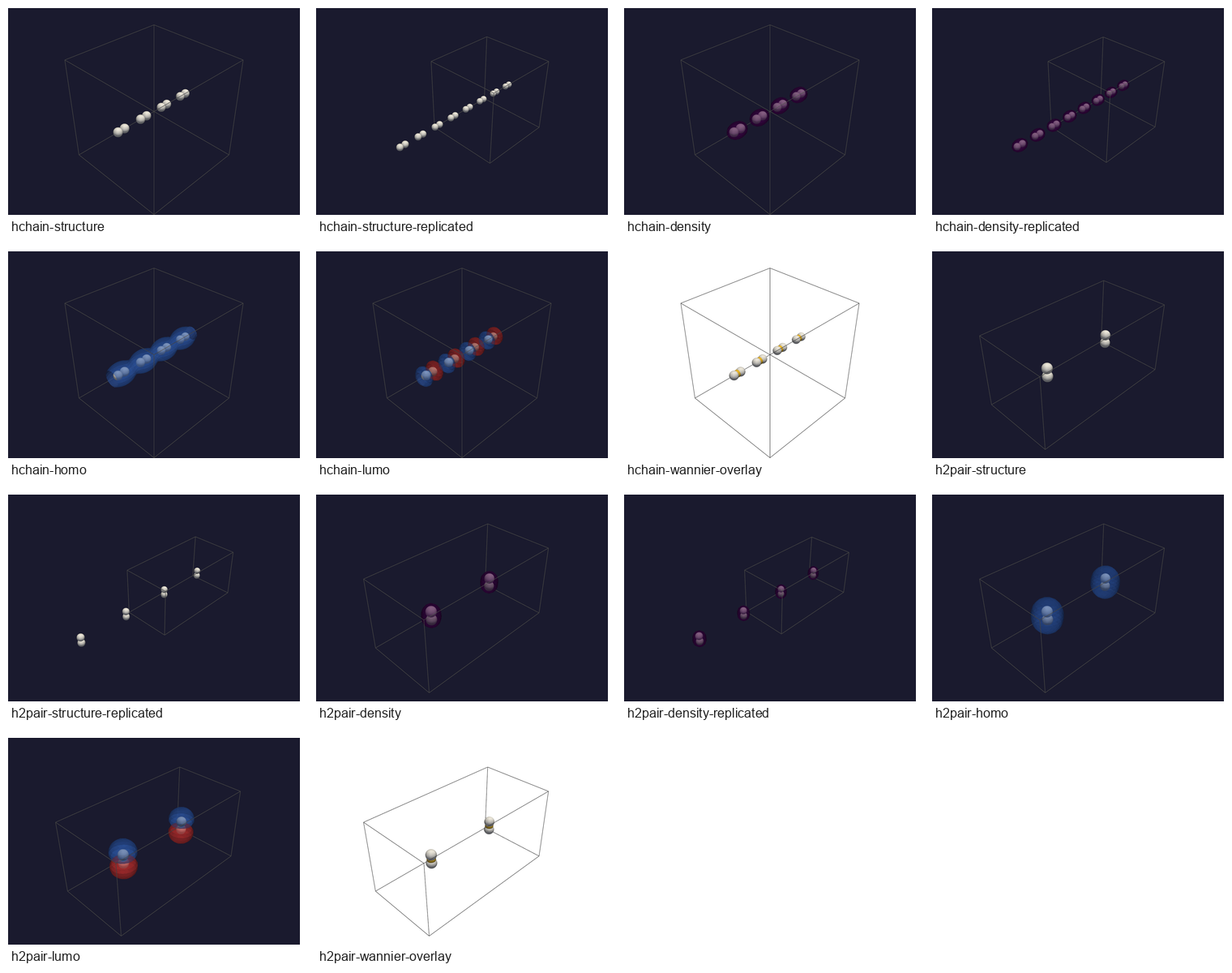
Use that bundle when checking periodic QVF consumers: it exercises a 3D
vacuum-padded H-chain and a 3D H2-pair with finite-BvK cells, torus-aligned volume grids,
and x_ccm.wannier_centers overlays.
The catalog also includes the MgO GDF/BIPOLE route fixture bundle:

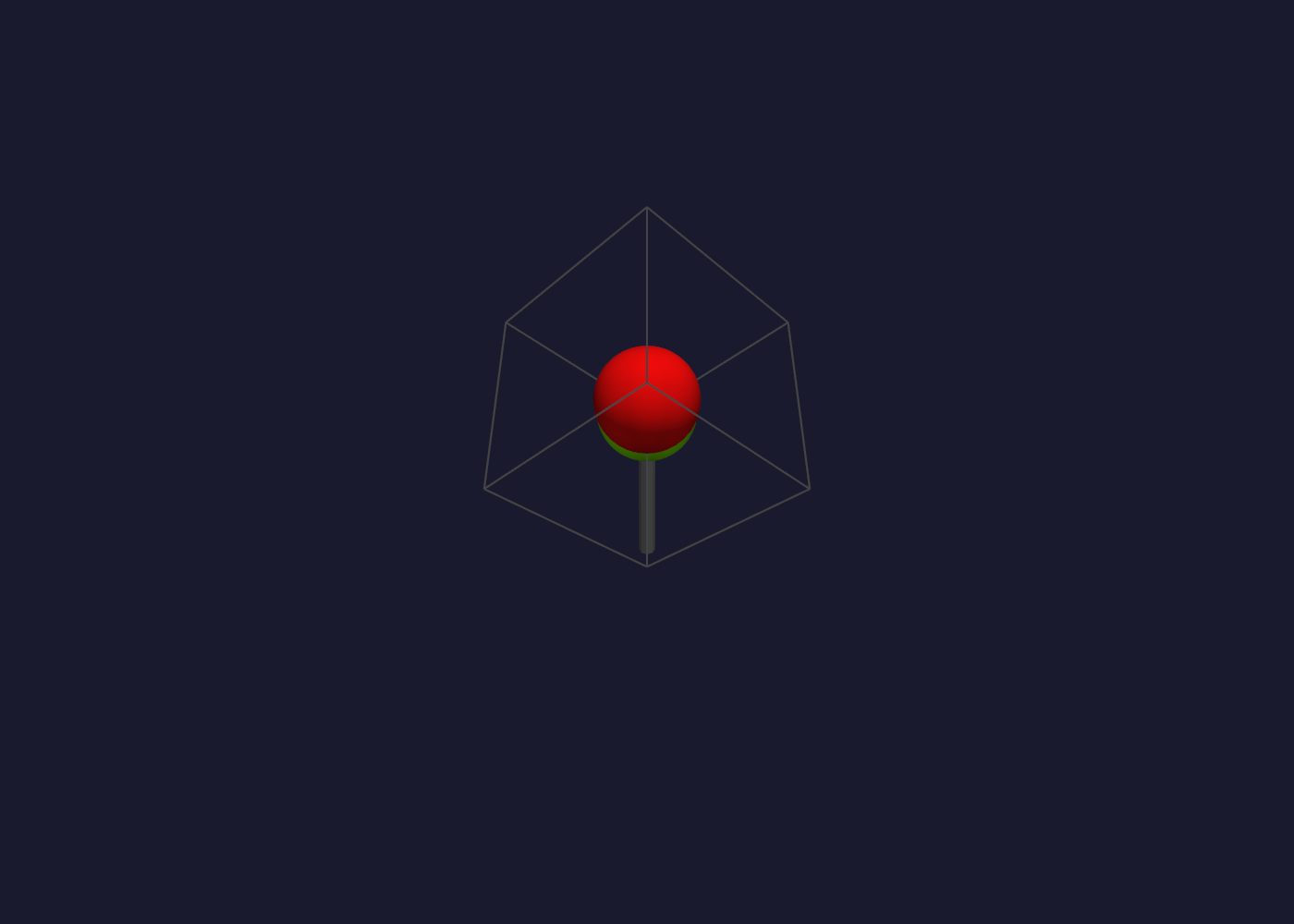
Use that bundle when checking ordinary periodic route artifacts and route-specific logs. The committed BIPOLE QVF is valid but does not contain a density volume because it predates exact returned-density export and its optional density/DOS artifact step warned after the converged SCF. Current full-mesh BIPOLE runs write density after exact refold and numerical certification; the static archive remains unchanged until regeneration.
The .system File
run_job(output="x") writes x.out and x.system as siblings.
The manifest is plain TOML:
[vibeqc]
version       = "0.15.0"
codename      = "Example Codename"
git_sha       = "0123456789abcdef0123456789abcdef01234567"
git_branch    = "release"
is_release    = true

[host]
hostname      = "<redacted>"
os_pretty     = "macOS 15"
arch          = "arm64"

[cpu]
model            = "Apple M-series"
physical_cores   = 10
logical_cores    = 10
omp_threads_used = 4

[libraries]
libint    = "2.13.1"
libxc     = "7.0.0"
spglib    = "2.7.0"
libecpint = "1.0.7"

[run]
wall_seconds = 0.084
basename     = "input-h2o-rhf"
Compare Two Runs
Pull one detail at a time with grep:
grep -E '^model|^omp_threads_used|^wall_seconds' output-h2o-rhf.system
Diff two manifests to see what changed between a release build and a development build:
diff ~/vibeqc-runs/h2o-rhf-release/output-h2o-rhf.system \
     ~/vibeqc-runs/h2o-rhf-dev/output-h2o-rhf.system
The most important lines are usually [vibeqc].version,
[vibeqc].git_sha, [cpu].model, [cpu].omp_threads_used, and
[run].wall_seconds. If the version or git SHA changed, small
numerical changes may be expected across releases.
Read The Manifest From Python
The manifest is TOML, so the stdlib can parse it:
import tomllib

with open("output-h2o-rhf.system", "rb") as f:
    manifest = tomllib.load(f)

print(manifest["cpu"]["model"])
print(manifest["run"]["wall_seconds"])
print(manifest["libraries"]["libint"])
If your script drives low-level SCF routines directly and still wants the same provenance file, use the public helper:
from vibeqc import write_system_manifest
import time

t0 = time.perf_counter()
# ... your calculation ...
write_system_manifest(
    "output-mycalc.out",
    wall_seconds=time.perf_counter() - t0,
    basename="output-mycalc",
)
Disable Hostname Recording
For runs you plan to share publicly, pass record_hostname=False to
run_job:
run_job(mol, basis="6-31g*", method="rhf",
        output="output-h2o-rhf",
        record_hostname=False)
Or set VIBEQC_NO_HOSTNAME=1 once for the whole shell:
export VIBEQC_NO_HOSTNAME=1
.venv/bin/python input-h2o-rhf.py
The [host] block still records OS and architecture; only the
hostname value is redacted.
Either lever redacts the host in the .qvf archive as well as in the
.system manifest, so a reference archive you attach to a paper or a
bug report does not carry your machine name. Both write the same
<redacted> placeholder rather than dropping the field, so a consumer
that reads provenance.hostname still finds it.